Apache License 2.0 · Self-hosted · No agent
Your infrastructure, understood.
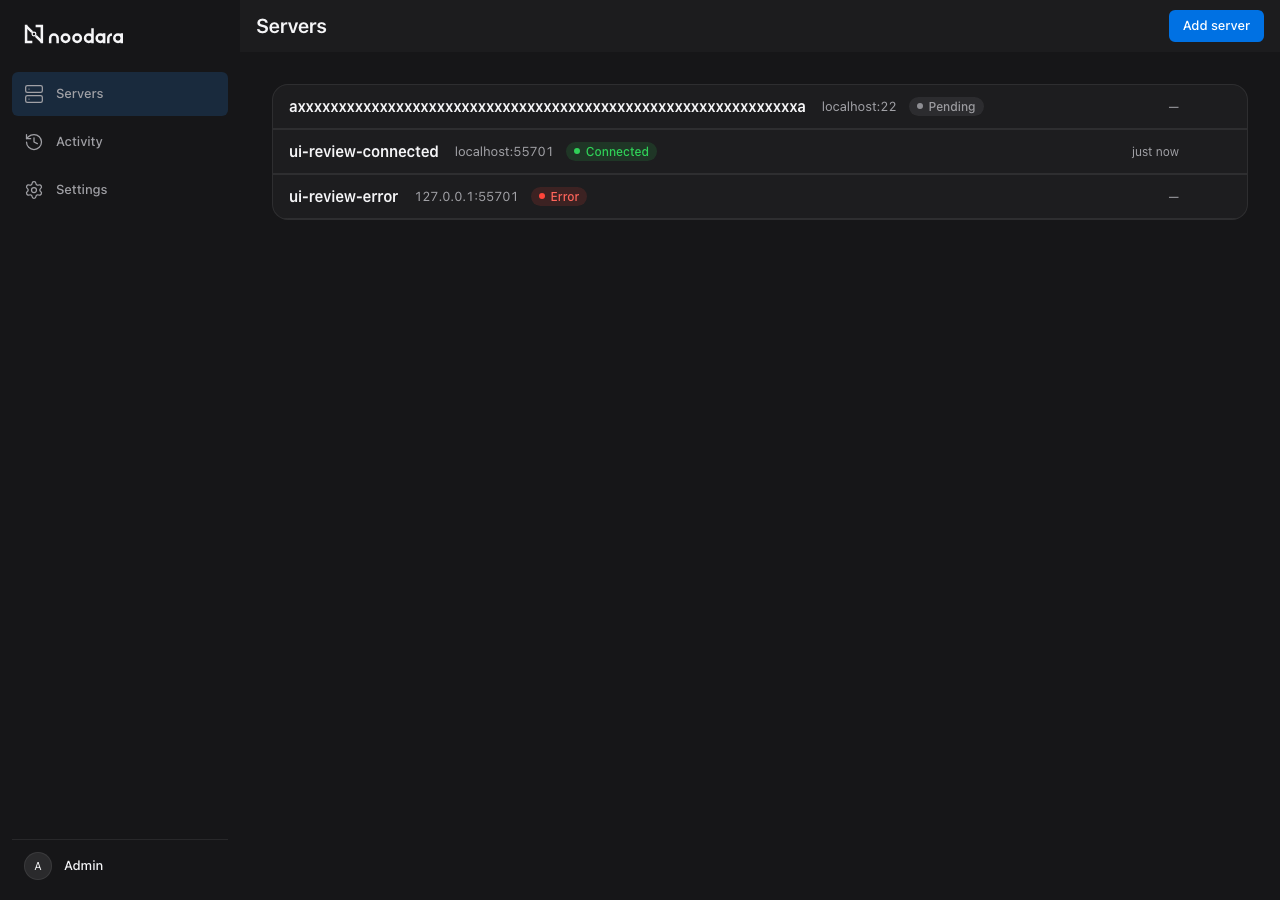
Connect a server over SSH, watch Noodara discover it, and see exactly what's running — no agent, no black box.
curl -fsSL https://raw.githubusercontent.com/nooodara/noodara/main/install.sh | sh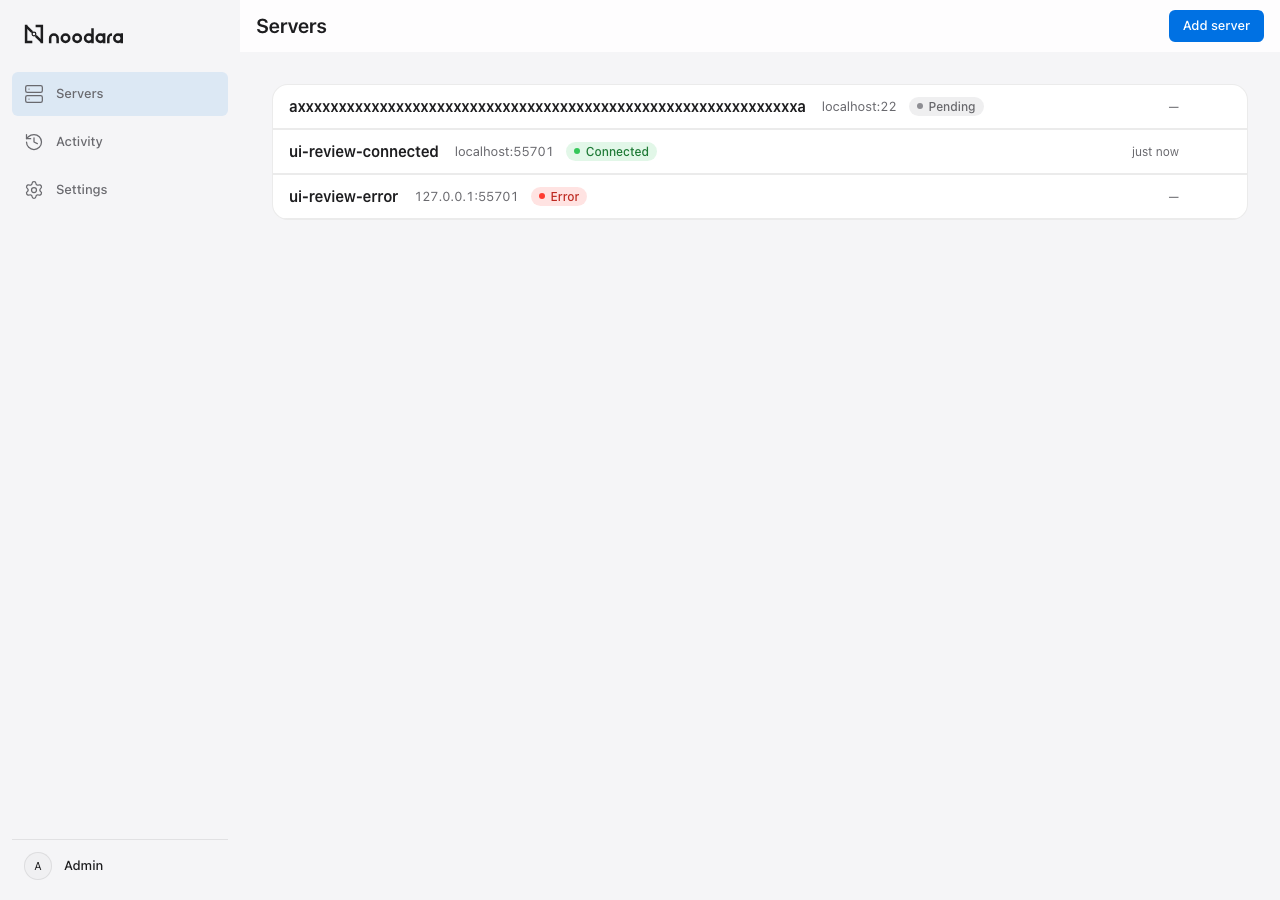
Most panels manage your servers. Noodara helps you understand them.
One-command install
Install Noodara with one command on Ubuntu 22.04 or 24.04.
Connect over SSH
Add a server over SSH with a password or a key, no agent required.
Verified fingerprints
Verify and trust the server's host key fingerprint.
Step-by-step discovery
Discover a server step by step, with a pass or fail check at each stage.
Full server detail
See a server's OS, CPU, RAM, disk, uptime and Docker status.
Activity log
Read an activity log of every action taken on a server.
Personalize your account
Switch between light, dark and auto theme, with density and reduced motion preferences.
Manage the admin account's name, email and password.
Projects & services
Organize work as projects, environments and services on your servers.
Deploy from Git or image
Deploy a service from a Git repository, a Dockerfile or a pre-built image.
Reliable deploys
Follow build and runtime logs and the real container state of every deployment.
Check a new deployment with a healthcheck and roll back to the previous version, automatically or on demand.
Deploy on every push to GitHub with a signed webhook that never deploys the same push twice.
Domains & HTTPS
Point a domain at a service and get automatic HTTPS from a Traefik proxy on each server.
Variables with precedence
Set environment variables on a project, an environment or a service; the most specific value wins.
Encrypted secrets
Store secrets encrypted at rest and reference them by name; the panel, API and logs never show their values.
Metrics and logs
Chart CPU, memory and disk for each server and service, sampled every minute.
Search, filter and follow build, deploy, runtime and activity logs, with secret values redacted.
Infrastructure graph
Navigate an infrastructure graph of your servers, projects, environments, services and domains.
Read-only AI assistant
Ask about your infrastructure with your own Anthropic or OpenAI key; the assistant only reads.
Upgrade & rollback
Upgrade or roll back an installation from the command line.
Secure by default
Encrypt server credentials at rest.
Apply an explicit timeout to every SSH command.
Comprehensive control
Add a server over SSH with a password or a key, no agent required.
How it works
Install Noodara on an Ubuntu VPS
Add your servers over SSH — no agent
Noodara discovers and watches them
Frequently asked questions
Does Noodara need an agent on my server?
Add a server over SSH with a password or a key, no agent required.
How does Noodara verify a new server?
Verify and trust the server's host key fingerprint.
Are my credentials safe?
Encrypt server credentials at rest.
What happens after I add a server?
Discover a server step by step, with a pass or fail check at each stage.
Which Ubuntu versions does Noodara support?
Install Noodara with one command on Ubuntu 22.04 or 24.04.
Is Noodara open source?
Noodara is source-available under the Apache License 2.0 license.
What it does not do yet
- Noodara does not offer zero-downtime or blue-green deployments: a redeploy replaces the running container.
- Noodara has a single admin account. It has no teams, roles or single sign-on.
Get started in one command
curl -fsSL https://raw.githubusercontent.com/nooodara/noodara/main/install.sh | sh